
Empowering care providers

Care Management Software Features for Australian Providers

Our comprehensive platform is designed to streamline and enhance your operations, ensuring efficiency, compliance, and tailored service delivery. These features are crafted to support the evolving needs of your organisation, ensuring an efficient, responsive, and compliant service experience for your team and clients.
Request a Demo
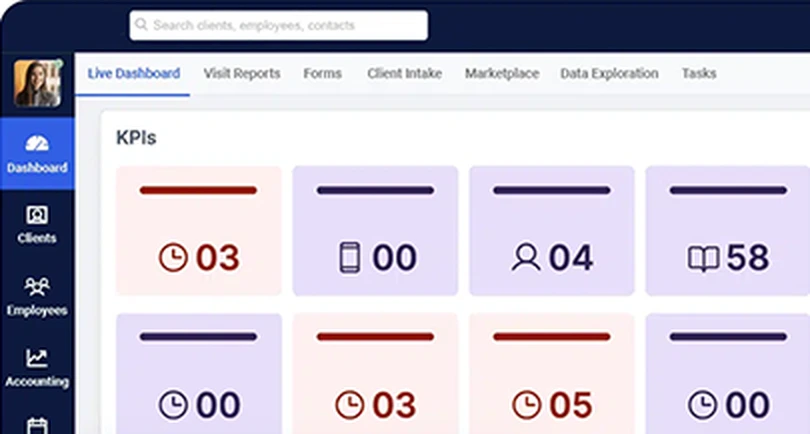
VisiCase live dashboard with client, visit and task KPI tiles and the Clients menu

Client Management

Empower your team to provide personalised care with tools to track client information, preferences, and progress.

  • Client Profiles: Capture individual preferences, exclusions, and personal details.
  • Enquiries & Quotes: Manage enquiries and provide accurate quotes.
  • Referrals & Case Management: Track client referrals and manage case tasks effectively.
  • Custom Forms: Create tailored forms to collect and process client data.
  • Alerts & Notifications: Stay informed with real-time alerts for updates or required actions.
  • Case & Progress Notes: Document client progress with seamless notifications for important notes.
  • Document Management: Organise and store essential client documents securely.
Request a Demo
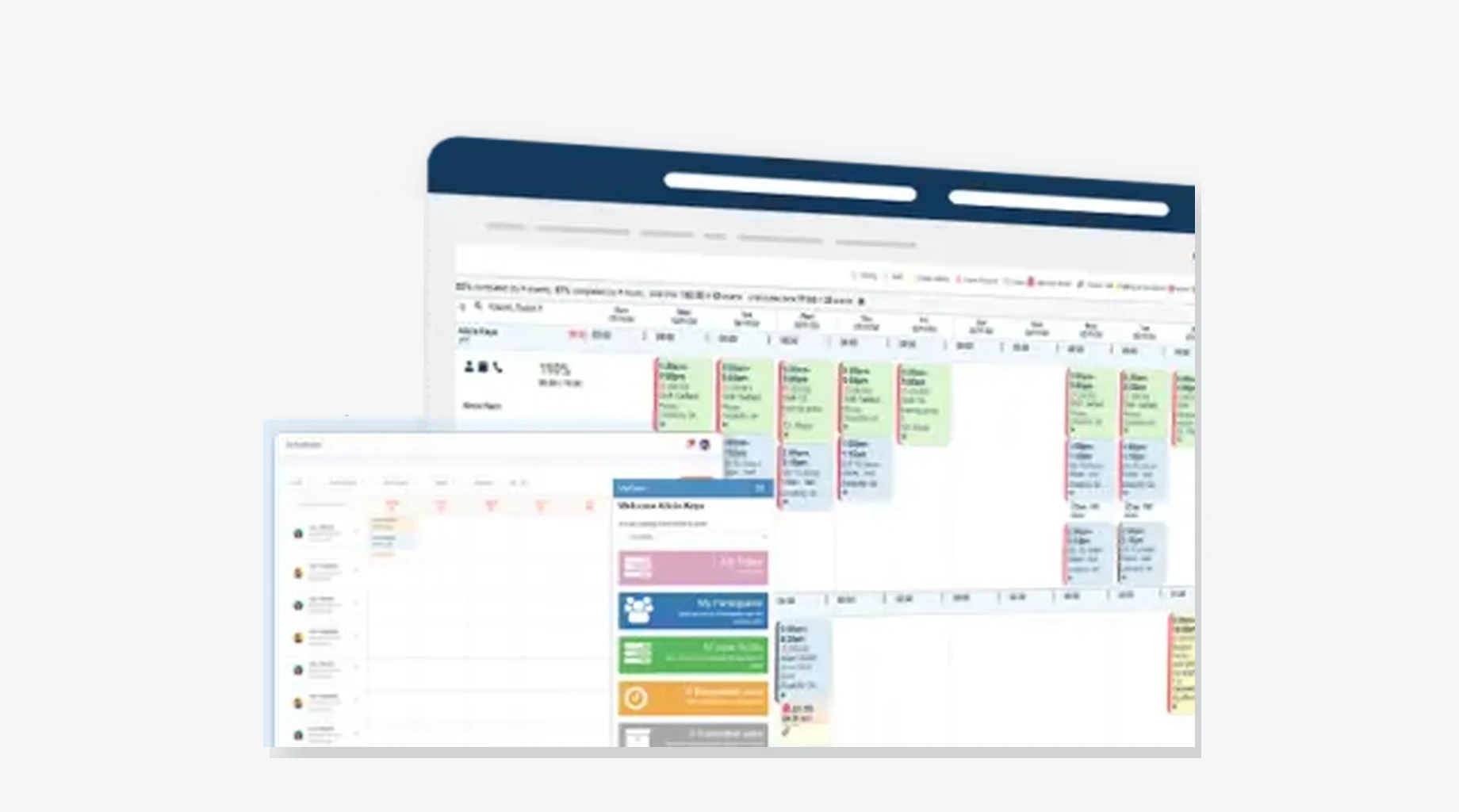
VisiCase rostering calendar with colour-coded shifts beside the client list and mobile app menu

AI-Powered Rostering

Utilise AI-driven rostering for optimal shift management, tailored to each client’s needs.

  • Rostering Options: Includes individual shifts, group rostering, SIL rostering, and equipment/vehicle rostering.
  • Recurring & Sleepover Shifts: Easily manage shifts that recur or require sleepover options.
  • Geo-Mapped Shift Locations: Visualise shifts on a map for efficient location-based assignment.
  • Award-Interpreted Rosters: Develop cost-effective rosters with full award interpretation.
  • Integration with Calendars: Sync with Outlook and Google calendars for schedule accessibility.
  • Roster Optimisation Rules: Set up and relax rules for custom roster optimisation.
Request a Demo
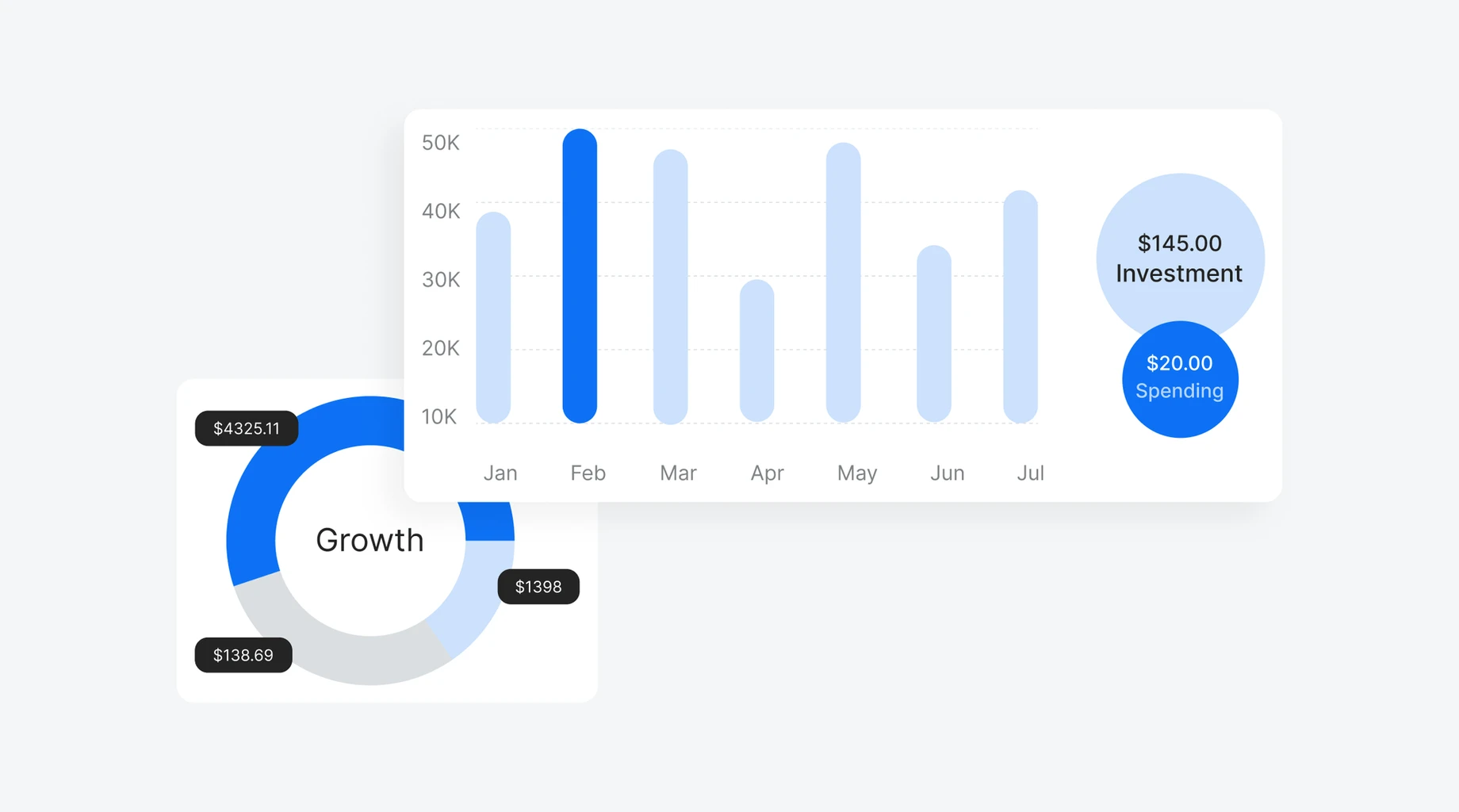
Illustrative charts of funding spend and budget growth

Funding Management

Simplify funding management across various programs like NDIS, Aged Care, TAC, and DVA, ensuring financial compliance and clear goal tracking.

  • Goals & Case Plans: Set, track, and review client goals and case plans.
  • Outcome Measurement: Quantify client outcomes to assess service impact.
  • Budget Management: Monitor and manage funding budgets effectively.
Request a Demo
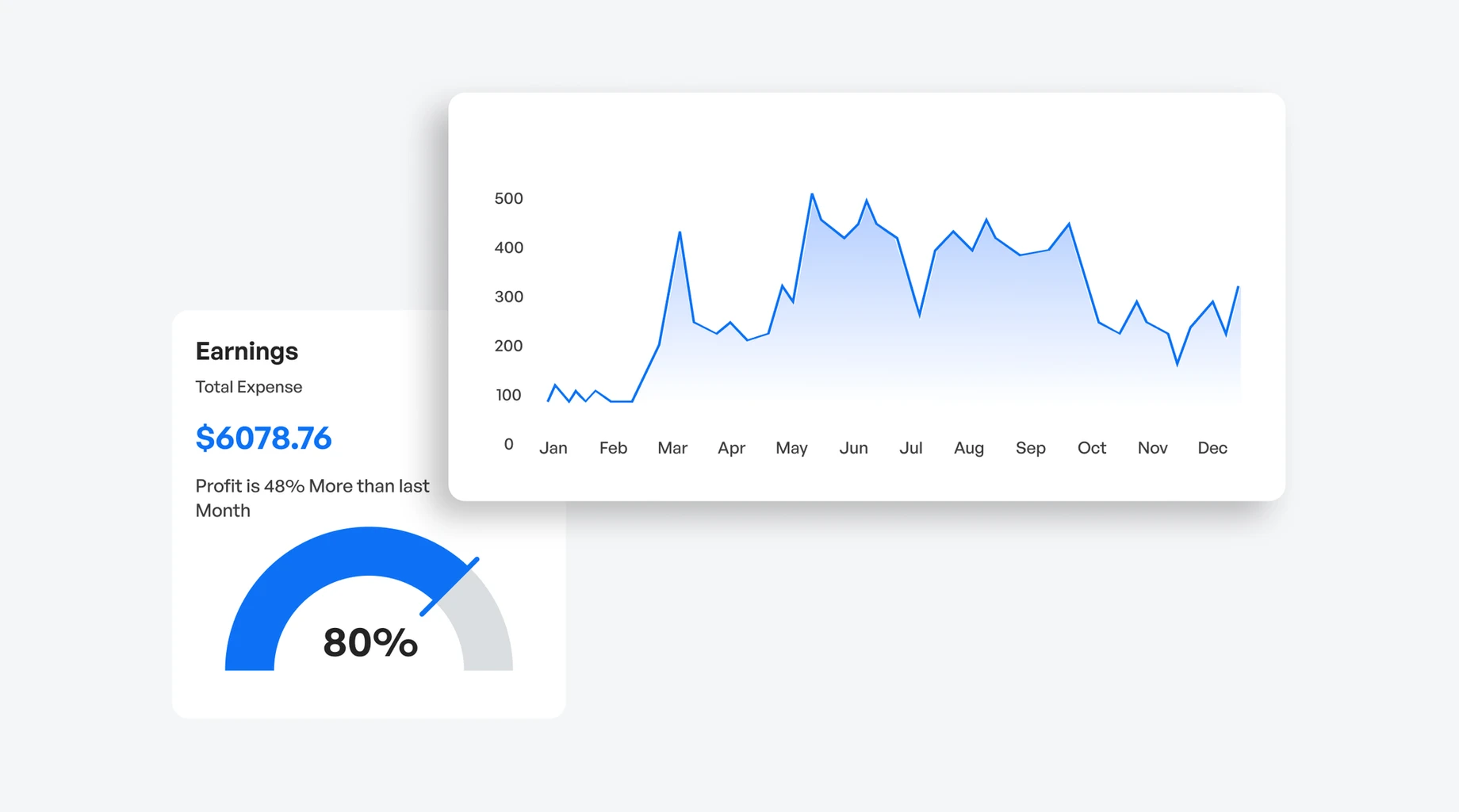
Illustrative charts of earnings, expenses and monthly trends

Payroll & Finance

Manage payroll effortlessly with our integrated, award-compliant system.

Automate billing with tools designed for efficiency and compliance.

  • Time & Attendance: Track employee hours and attendance accurately.
  • Allowances Management: Handle allowances like travel kilometres, meal breaks, and broken shifts.
  • Award-Interpreted Payroll: Generate payroll data with accurate award interpretations, ready for integration.
  • Client Billing Records: Maintain organised client billing records for streamlined invoicing to any debtor.
  • Bulk Uploads: Handle bulk uploads with rejections and open item tracking for efficient billing along with reconciliation file for finance system.
Request a Demo

See VisiCase configured for your programs

A personalised demo using your funding streams, award rules and claiming requirements.

Request a Demo
VisiCase live dashboard showing KPI tiles for visits, clients and tasks

Explore tools for disability and aged care

Streamline operations and boost productivity.

Incident Reporting

Maintain high standards of safety and accountability with our incident tracking and resolution features.

  • Comprehensive Incident Reporting:
  • Shift Incident Linkage:
  • Real-Time Notifications:
  • Follow-Up Actions & Workflow:

Medication Management

Streamline and safeguard medication administration with dedicated tools for accuracy and compliance.

  • Medication Records:
  • Support Worker Access:
  • Audit Trail:
  • Notifications:

Staff Management

Optimise your workforce with flexible and powerful staff management tools.

  • Support Worker Web App:
  • Staff Profiles & Availability:
  • Compliance & Skills Management:
  • Emergency Contacts & Leave:
  • Document Storage:

Integration Options

Integrate with the finance, payroll and HR tools you already use, so data flows without re-keying.

  • Finance, Payroll, & HR Integration:
  • Client Data Sync:
  • API Accessibility:

General Management Tools

Manage security, user access, and communication with robust general management features.

  • SMS Management:
  • Two-Factor Authentication & SSO:
  • Knowledge Base:
  • GPS-Based Functionality:

Reports & Analytics

Gain insights into performance and funding with powerful reporting and analytics.

  • Basic & Advanced Reporting:
  • Advanced analytics:
  • On Enterprise, connect VisiCase to Claude, ChatGPT or any AI tool through our MCP server and build dashboards in plain English.
  • Funding-Specific Reports:

Frequently Asked Questions

What can VisiCase integrate with?

VisiCase supports two-way Xero integration, payroll systems including MYOB, MicrOpay and Aurion, HR platforms, Services Australia Support at Home integration, and an open API for anything not covered natively. Integration settings are configurable per entity, so a multi-entity group can run different finance or payroll systems without splitting onto separate platforms.

What does travel management cover?

Travel is handled end to end. Travel and meal schedules are built into the roster, workers record kilometres and odometer readings in the Worker Web App, and mileage flows automatically into both payroll and client billing. Because travel time is calculated from the previous shift during allocation, travel is costed at rostering rather than discovered as an overrun.

Does VisiCase interpret the SCHADS Award?

Yes. VisiCase produces award-interpreted timesheets for SCHADS, and supports multi-award interpretation where staff work across instruments such as Nurses, Aged Care and Hospitality. Employees can hold multiple paypoints across services and awards. So the same worker is paid correctly for a support shift and a clinical shift in the same fortnight.

How does AI-powered rostering actually work?

The rostering engine matches staff to shifts using availability, skills, client preferences and exclusions, utilisation, and travel time from the previous shift, while interpreting award rules as it allocates. The aim is to prevent over-servicing, avoid unintended penalty and broken-shift costs, and produce a roster that is compliant and costed before publication rather than after.

What can support workers do in the Worker Web App?

The worker web app covers rosters, controlled client access, documents, geo-based clock in and out, kilometre and odometer tracking, incident reporting, client signature on service delivery, leave requests, availability management, shift notifications and the shift pool. AI-powered notes reduce the time spent writing progress notes at the end of a shift.

How does VisiCase handle staff who work across multiple roles?

Multiple pay points are held at the employment level. So pay rate, award and conditions sit with the role rather than being fixed to the person. This matters where the same workforce spans programs — a support worker also picking up coordination or clinical hours — and removes the manual timesheet adjustment that otherwise lands on payroll every fortnight.

How does funding and budget management work across programs?

Each client’s funding tracks against the relevant program: NDIS plan lines, Support at Home or Home Care Package budgets, DVA entitlements, TAC claims or block-funded allocations. Spent and remaining amounts update as services are rostered and delivered. The NDIS price guide auto-updates, and CPI increment management keeps forward-scheduled services correctly priced.

Can we manage care plans, goals and progress notes in one place?

Yes. Support and care plans, goal management, outcome measurement, case notes, progress notes and general notes sit on the client record and link back to delivered services. That link is what turns documentation into audit evidence — you can trace a plan goal through to the shift that delivered it and the claim raised against it.

What does a typical day look like for an Operations Manager in VisiCase?

You open a live roster view showing vacant shifts, clock-in status and exceptions. Vacant shifts are filled by drag-and-drop or released to a shift pool. Geo-based clock in and out shows who has started, and tolerance-based auto-approval clears compliant shifts without manual review — so attention goes to exceptions rather than the whole roster.